
How to Replace a Lost or Damaged Emirates ID Online in the UAE
Easy Guide to Replace a Lost or Damaged Emirates ID in the UAE
If you’ve lost, damaged, or had your Emirates ID stolen, don’t worry — getting a replacement is quick and simple. You can easily apply for a new one through the UAEICP app, managed by the Federal Authority for Identity, Citizenship, Customs and Port Security (ICP). This guide explains the complete process, from reporting the loss to receiving your new card.
Step 1: Report the Lost or Damaged Emirates ID
As soon as you realize your Emirates ID is missing, stolen, or damaged, the first thing to do is report it at your nearest ICP Customer Happiness Centre. This ensures your old card is deactivated and prevents misuse.
If your card is damaged, bring the physical card with you.
If it’s lost or stolen, carry a copy of the ID if available. Don’t have one? The ICP staff can retrieve your ID number or provide an official confirmation.
Locate your nearest centre: icp.gov.ae/en/customer-happiness-centers
Step 2: Collect the Required Documents
Before applying, make sure you have all the necessary documents ready. Here’s what you’ll need:
Mandatory Documents:
Original and valid passport
Copy of the residence visa page
Recent passport-size photo (must meet ICP requirements)
Optional Documents (if applicable):
Copy of old Emirates ID (front and back)
Sponsor’s passport copy
Father’s ID and passport copy (for dependents)
Entry permit, birth certificate, or disability certificate (if required)
ICP officials might ask for additional documents depending on your residency type.
Step 3: Apply Online Using the UAEICP App
You can complete your entire Emirates ID replacement process on your phone in just a few minutes.
1. Download and Sign In:
Get the UAEICP app from the App Store or Google Play.
Log in using UAE Pass for faster form filling. If you don’t have UAE Pass, register using your email address.
2. Find the Service:
From the menu, search “Replace Emirates ID for Residents” and click Start Service.
3. Fill Out the Application:
You’ll need to confirm your details, including your Emirates ID number, Unified Number, and residency information. Choose the reason for replacement — Lost, Stolen, or Damaged.
Then, enter:
Personal details (nationality, date/place of birth, etc.)
Passport details (number, issue/expiry date, authority)
Address and contact details in the UAE
Delivery address (home, office, or courier centre)
If you want to update your signature, you’ll need to visit an ICP centre after submitting your application.
4. Upload Documents:
Attach all required documents and a clear passport photo. Double-check the clarity before submitting.
5. Review and Pay:
Check all your details carefully, then proceed with payment.
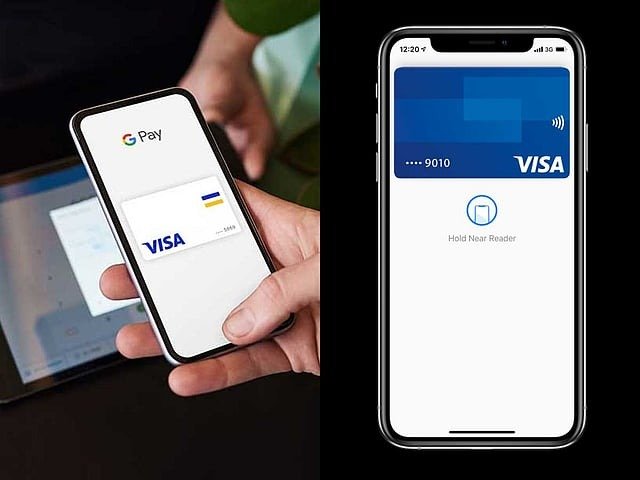
You can pay instantly using a debit/credit card or choose the Pay Later option.
Once payment is done, you’ll receive a request number via email or SMS to track your application status.
Step 4: Track Your Application
You can easily monitor your Emirates ID replacement progress online.
Go to smartservices.icp.gov.ae, enter your request number, and click Quick Search.
The portal will show the current stage of your application — whether it’s under review, in production, or ready for delivery.
Step 5: Get Your New Emirates ID
Once your replacement card is ready, you’ll receive an SMS notification from Emirates Post or Zajel Courier.
If you selected home or office delivery, the courier will contact you to arrange delivery.
If you opted for collection, visit the courier office with your tracking number.
Note: The new Emirates ID will carry the same expiry date as your previous one.
Emirates ID Replacement Fees
Replacing an Emirates ID costs AED 451.40, including:
AED 300 – Card issuance fee
AED 29.40 – E-service fee
AED 122 – ICP administrative fee
Related News