
iPhone Users Can Now Add US Passports to Apple Wallet: How Safe Is Digital ID?
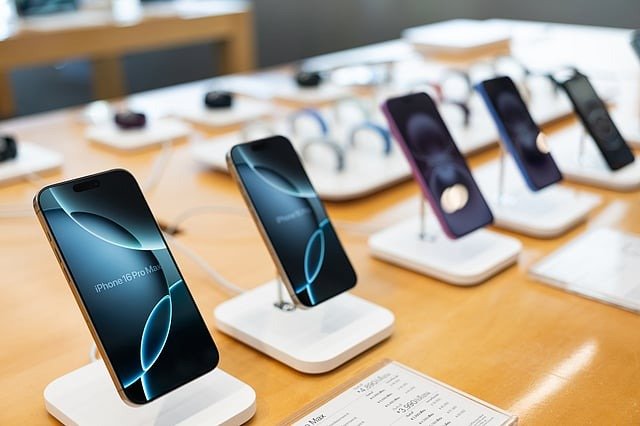
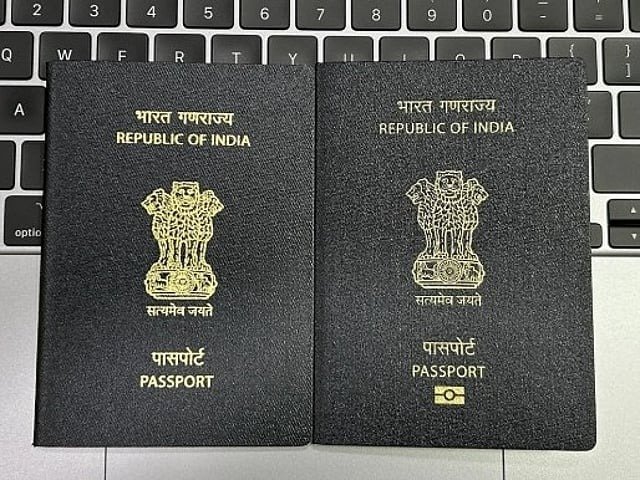
Just in time for the busy holiday travel season, Apple has introduced a new feature that allows iPhone users to store their US passport directly in Apple Wallet. The feature, currently in beta, marks a major step toward digital identity verification in the United States. With this addition, travelers can now use their iPhone or Apple Watch to pass through TSA security checkpoints at more than 250 airports nationwide, without showing a physical passport — provided they are flying domestically and do not have a Real ID.
While the update offers significant convenience, Apple is making it clear that the Digital ID version of a passport does not replace the physical one. It cannot be used for international travel, entry into another country, or during border immigration checks. Instead, it simply serves as a secure digital alternative to speed up identity verification at US airport security.
What Apple’s Digital ID Feature Offers
Apple Wallet already supports digital driver’s licences and state IDs in 12 US states and Puerto Rico. Several of these states also allow TSA to accept mobile IDs for airport screening. Now, with the addition of the US passport, Apple has expanded its digital identity ecosystem even further.
According to the Transportation Security Administration (TSA), Digital ID technology can make airport screening quicker, more secure, and more contactless. Travelers simply authenticate through Face ID or Touch ID, reducing the need to hand over physical documents to agents.
How to Add Your US Passport to Apple Wallet
To set up a digital passport on your iPhone, Apple requires a multi-step verification process to ensure accuracy and security:
1. Open the Wallet App
Open Apple Wallet and tap the plus (+) button. Select the option titled ‘Digital ID.’ If you don’t see it immediately, search for “Digital ID” within the Wallet interface.
2. Scan Your Passport
Using your iPhone camera, scan the photo page of your passport. Next, you’ll be prompted to authenticate the passport’s embedded chip by scanning the back page.
3. Verify Your Identity
Apple will ask you to take a selfie and complete a series of facial movements — such as blinking or turning your head — to confirm that the person adding the passport matches the passport photo.
4. Add It to Wallet
After completing verification, the passport is added to your Apple Wallet as a Digital ID.
How to Use Your Digital Passport at TSA Checkpoints
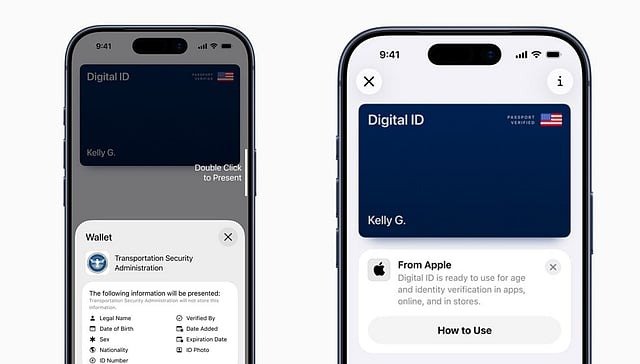
Using the Digital ID is designed to feel as quick and seamless as using Apple Pay. Here's how it works:
Double-click the Home or side button to open Wallet
Select your Digital ID
Hold your iPhone or Apple Watch near the TSA Digital ID reader
Review the specific information the reader requests (e.g., name, date of birth)
Confirm with Face ID or Touch ID
Importantly, travellers never need to unlock their device or hand it over to TSA officers. All identity verification happens directly through biometric authentication on the user’s device.
How Secure Is the Digital Passport?
Apple says security and privacy were the highest priorities when designing the feature. All digital passport data is:
Stored only on the device, not on Apple servers
Fully encrypted, even if the phone is lost or stolen
Protected behind biometric authentication
Invisible to Apple, meaning the company cannot view where the ID was used or what information was shared
Only the information that TSA specifically requests is transmitted during verification. None of the additional passport data — such as place of birth or passport number — is shared unless required.
Where Digital IDs Are Accepted in the US
More than a dozen US states allow some form of digital ID at airport checkpoints. These include:
Arizona
Arkansas
California
Colorado
Georgia
Hawaii
Iowa
Louisiana
Maryland
Montana
New Mexico
New York
Ohio
Utah
Virginia
West Virginia
Puerto Rico
Travellers should check TSA’s website for the latest updates, as more states and airports are expected to adopt the technology in the coming months.
Related News